HOME CARE SCHEDULING SOFTWARE
Keep caregivers scheduled, visits covered, and shifts under control
Home care scheduling is rarely static. Shifts change during the day, visits run longer than planned, and availability can shift with little notice. Managing that manually creates gaps, delays, and extra admin work.
When I Work gives you a clear way to build and adjust home care schedules in real time. Assign caregivers to the right visits, respond quickly to changes, and keep the whole team informed without chasing updates.
Start your free 14-day trial today and bring more control to your home care schedule.
REAL-TIME SHIFT COVERAGE
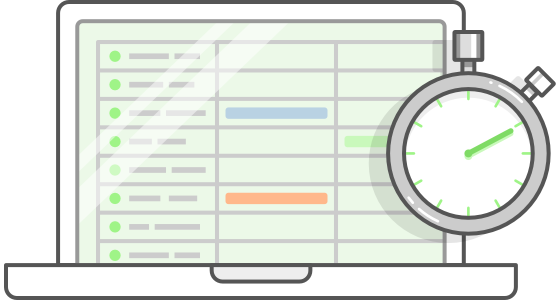
Fill open visits without delays or missed care
If a caregiver becomes unavailable, coverage gaps can impact patient care immediately. When I Work gives you a fast way to see availability and assign open visits without back-and-forth messaging. Updates are shared instantly, so caregivers know where they need to be without confusion.
HOME CARE TIME TRACKING
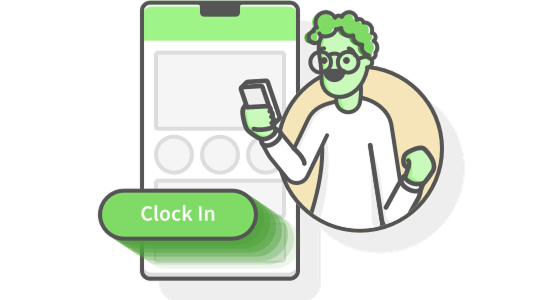
Track visits accurately across every home care shift
Home care time tracking needs to reflect what actually happens during the day. Caregivers can clock in and out from each job site, giving you a clear record of time spent on visits, travel, and care delivery. It helps to support accurate billing and reduce disputes.
MOBILE ACCESS FOR CARE TEAMS
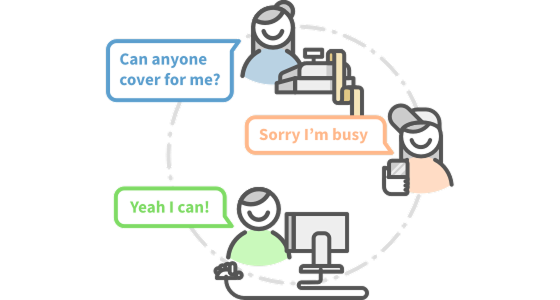
Keep caregivers informed wherever they’re working
Home care teams rarely work from one location. The When I Work app gives caregivers access to schedules, updates, and messages directly on their phones. Changes to visits or shifts are visible in real time, so everyone stays aligned and informed without needing constant follow-up.
HOME CARE SCHEDULING SOFTWARE
Build and adjust home care schedules without the daily disruption
Home care scheduling changes constantly. Visits change, availability shifts, and matching the right caregiver to each patient takes constant attention. Managing that across multiple homes quickly turns into a full-time coordination task.
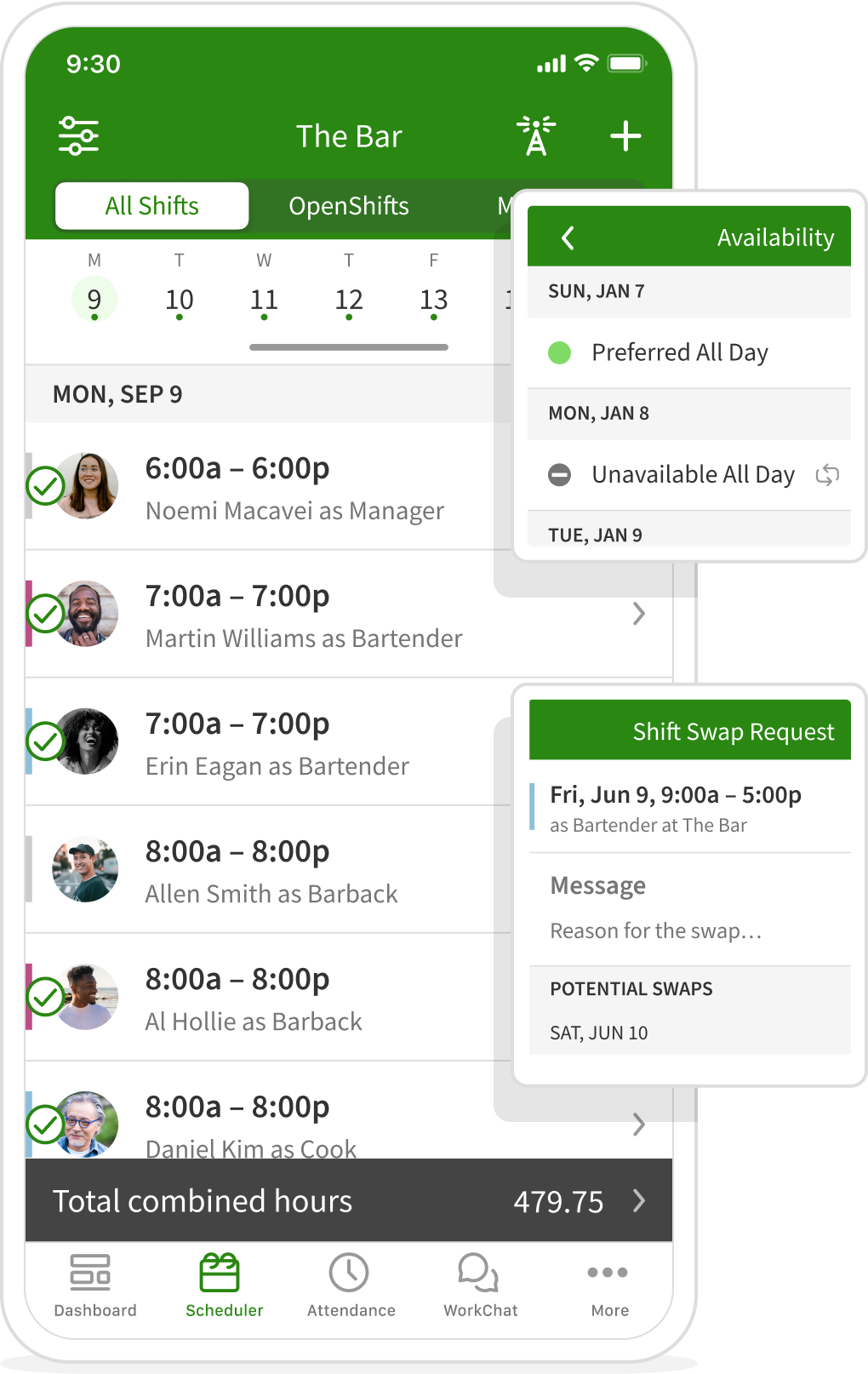
When I Work gives you a clear way to manage home care scheduling as it changes. Create shift schedules based on caregiver availability, assign visits with the right skills in mind, and make updates without rebuilding the entire schedule. When something changes, your team sees it immediately.
HOME CARE TIME TRACKING
Track visits accurately across every home care shift
Home care time tracking needs to reflect what actually happens during the day. Visits run over, travel time varies, and recorded hours need to match the care that was delivered.
When I Work gives caregivers a simple way to clock in and out from each job site. Time entries are tied to specific shifts, so you have a clear record of when care starts and ends, and how long each visit lasts. Accurate records support billing for families and providers without relying on manual timesheets.


Lindsay LaFoy
Miss Mixology
Customer since 2015
PROVEN RESULTS FOR HOME CARE TEAMS
Reduce admin time and keep schedules running smoothly
Managing home care schedules manually creates extra work at every step. Building shifts, confirming availability, tracking hours, and handling changes can take up a large part of the day.
When I Work brings scheduling, time tracking, and team communication into one place, so managers spend less time coordinating and more time overseeing care delivery.
Customers using the When I Work app have reported:
20%
decrease in labor costs
8x
time saved scheduling
3x
reduction in no-shows
TEAM COMMUNICATION FOR HOME CARE
Share updates and changes without chasing your team
Home care teams spend most of the day in the field, not checking email or waiting for calls. When schedules change or updates are missed, it can affect visits and create gaps in care.
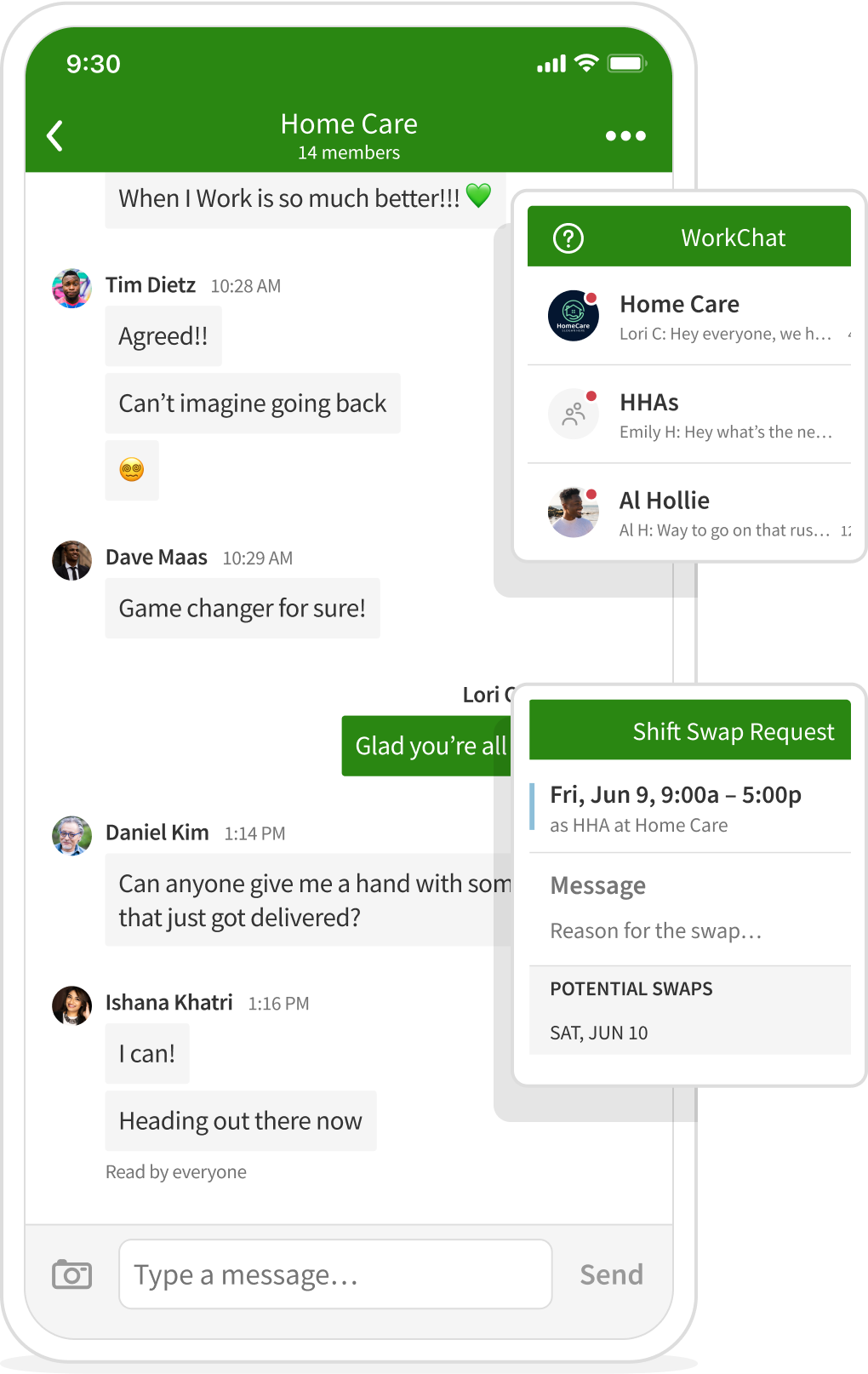
With When I Work, you have one place to send messages, share updates, and keep communication tied to the schedule. Caregivers can see changes as they happen, so important information doesn’t get lost across texts or calls.
HOME CARE JOB SITES
Assign caregivers to the right location for every visit
Home care scheduling depends on knowing exactly where care is being delivered. When locations are unclear or changes aren’t properly tracked, it creates confusion for caregivers and poses a risk for managers.
When I Work lets you assign job sites directly within the schedule, so every shift is tied to a specific home or care location. Caregivers can see where they need to be, and managers can track assignments without relying on separate systems or notes.

PAYROLL BUILT ON ACCURATE HOME CARE HOURS
Send clean timesheets to payroll without manual fixes
Payroll in home care depends on accurate time records. When hours don’t match scheduled visits or need to be corrected manually, it slows down processing and creates risk for both billing and compliance.
When I Work keeps time tracking and scheduling aligned, so timesheets reflect the shifts that were actually worked. That reduces errors, shortens payroll processing time, and helps keep records consistent across your home care team. When I Work integrates with your favorite payroll providers:







Loved by millions around the globe
1 in 10 employees have used When I Work.
 by our customers on Capterra.


LABOR CONTROL FOR HOME CARE SCHEDULING
Keep hours, costs, and schedules aligned across every visit
Managing labor in home care means keeping scheduled visits, worked hours, and staffing costs aligned. Small changes throughout the day can quickly affect total hours, especially when visits run over or shifts need to be reassigned.
Labor visibility
See how scheduled hours and worked time compare across your home care team. With everything in one place, you can understand where time is being spent on each visit and job site.

Payroll-ready timesheets

Labor budget awareness

Overtime control

Break tracking
Record paid and unpaid breaks as part of each shift, so time records stay complete and consistent without additional admin work.