Human Resources
The 7 Best Workforce Management Software Options For Shift-Based Teams

Tomorrow’s opening shift is still empty, and it’s almost midnight.
Workforce management software ends that scramble and simplifies shift management. Instead of texting employees one by one and patching a spreadsheet by hand, you post the open shift and your team picks it up in the app. The schedule updates for everyone right away, so you can go to bed.
Each business has its own workforce and its own workforce management needs. A great workforce management tool is flexible and helps you make real-time adjustments to monitor your workforce’s health and trends.
“For hourly, shift-based teams, managing a workforce isn’t just about building a schedule. It’s shift coverage, time off, accurate clock-ins, and knowing whether your labor costs match what the day actually needs. A real workforce management system brings all of that together in one place, and that’s what actually saves you time and money, instead of losing both to a schedule here, a time clock there, and a spreadsheet trying to tie it all back to sales.”
Workforce management (WFM) covers forecasting, scheduling, timekeeping, and engagement, so the right tool depends on which of those areas need the most support.
There are many workforce management tools available, so we picked seven that fit small, mid-size, and large businesses. This guide explains what workforce management software is and which features matter most for shift-based teams.
Table of contents
The top workforce management systems and software to consider
Every platform below helps you manage people and their time, but they don’t all do the same job. Some are built for shift scheduling, while others lean toward HR and payroll or project planning. They all replace spreadsheets and group texts with one place for workforce data.
We compared each tool’s published features and pricing, as well as ratings on G2 and Capterra. We built When I Work for hourly, shift-based teams, and we stand behind how easy it makes scheduling. Capterra reviewers agree, giving it an ease-of-use score of 4.5 out of 5. It also has the lowest published starting price on this list, which is why we list it first.
“When I Work is built specifically for hourly, shift-based teams, so scheduling, time tracking, shift swapping, team communication, and labor insights all work the way your team actually works, without the extra setup or training a bigger HR suite needs.”
| Best for | Who it’s not for | Features | Pricing | |
| 1. When I Work | Hourly, shift-based teams | Teams that need advanced reporting or deep integrations | – Auto scheduling – Time tracking and attendance – In-app team messaging – OpenShifts and shift swapping | Starts at $2.50/user/month, with a 14-day free trial |
| 2. Workforce.com | Hourly teams that want scheduling and payroll in one system | Teams that need flexible break rules or a fast mobile app | – Employee scheduling and mobile app – Timesheet approval and payroll – HR employee profiles – Labor cost reporting | Custom quote required |
| 3. ADP Workforce Now | Mid-size companies with in-house HR staff | Teams without in-house HR staff and time for training | – Payroll and benefits – Time and attendance – Employee scheduling (add on) – HR analytics and reporting | Custom quote required |
| 4. Workday Workforce Management | Large companies that run HR and time data in one system | Businesses that aren’t already using Workday for HR | – Time tracking and attendance – Employee scheduling – Leave and time-off management – Mobile access for workers | Custom quote required |
| 5. Kintone | Teams that want to build custom workflow apps | Teams that don’t have time to build their own apps | – No-code app builder – Process management with automated task assignment – Custom views – API integrations | Starts at $24/user/month |
| 6. Float | Project-based teams that plan work by person | Teams that want full project management | – Resource scheduling – Capacity and time-off management – Unlimited projects – Time tracking (Pro plan) | Starts at $8.50/user/month |
| 7. Namely | Mid-size companies that want HR with payroll built in | Those that rely on a wide range of integrations | – Core HR and onboarding – Payroll and benefits – Time-off management – HR analytics | Custom quote required |
1. When I Work
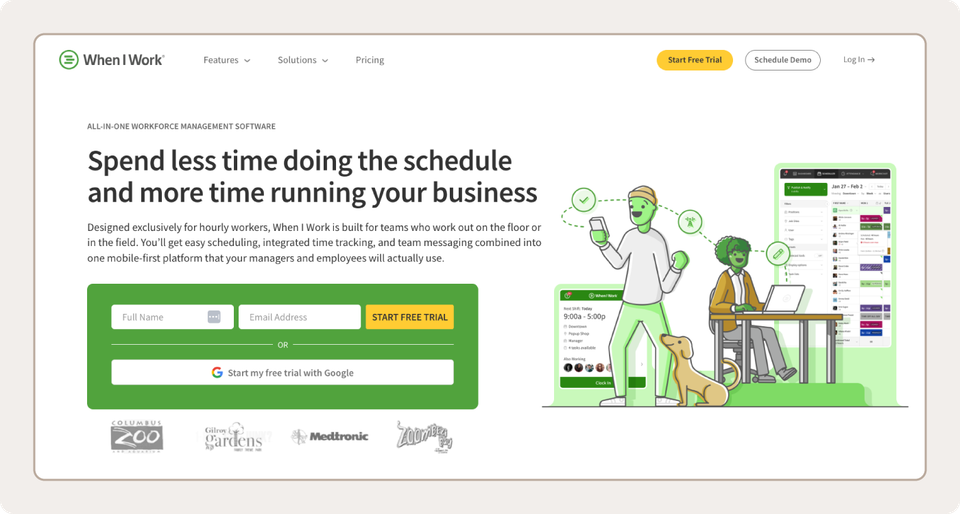
Best for: Hourly, shift-based teams that want simple scheduling
When I Work is workforce management software built for hourly, shift-based teams. It brings employee scheduling software, time tracking, and team messaging into a single app. You build schedules without a spreadsheet, and everyone stays in the loop. Over 200,000 workplaces trust it.
Like any good workforce management tool, When I Work makes it easy to maintain proper staffing levels. Team Messaging helps your whole team, managers included, stay in touch. Employees can message each other in the mobile app, and it shows them the work schedule and any changes. That leaves no room for the excuse of “I didn’t know I was supposed to work.”
Employees can sync their schedules with apps they already use, like Google Calendar and Outlook, which helps them spot conflicts between work and personal plans. That, plus a simple design, makes When I Work a good fit for teams that are new to workforce management software and managers who want less fuss. You can save up to 15 hours a week building the schedule.
“Customers tell us the biggest shift is how much time they get back and how much clearer communication becomes. When scheduling, time off, and clock-ins all live in the same app, managers aren’t building schedules from scratch or chasing people down by text, and employees always know where to look for their hours and any changes. That means fewer last-minute surprises on both sides, and a lot less time spent managing the schedule instead of running the business.”
As of October 2026, reviewers rate When I Work 4.4 out of 5 on G2 and 4.5 out of 5 on Capterra. They most often praise its ease of use and its shift scheduling. Common complaints include missing features, especially in reporting and integrations.
| Pros | Cons |
| Easy to learn, with a clean interface | Reporting and integrations score lower than scheduling |
| Strong shift scheduling and a mobile app employees actually use | Not a great fit for a team that’s a mix of contractors and salaried workers |
| Low starting price for small teams | Costs can climb for larger teams |
| Helpful customer support |
Pricing: Starts at $2.50/user/month, with a 14-day free trial
Key features
- Auto Scheduling: Auto Scheduling drafts the schedule based on employee availability and tags, such as tenure, so you start with a full week instead of a blank grid. Pair it with labor forecasting to match staffing to demand.
- OpenShifts and shift swapping: Employees can release, drop, or swap shifts in the app. Managers can require approval for pickups and spot possible overtime before they say yes.
- Time and Attendance: Employees clock in from their phones, and geofencing can limit where they punch in. Attendance data syncs with schedules and labor reports, which makes payroll prep easier.
2. Workforce.com
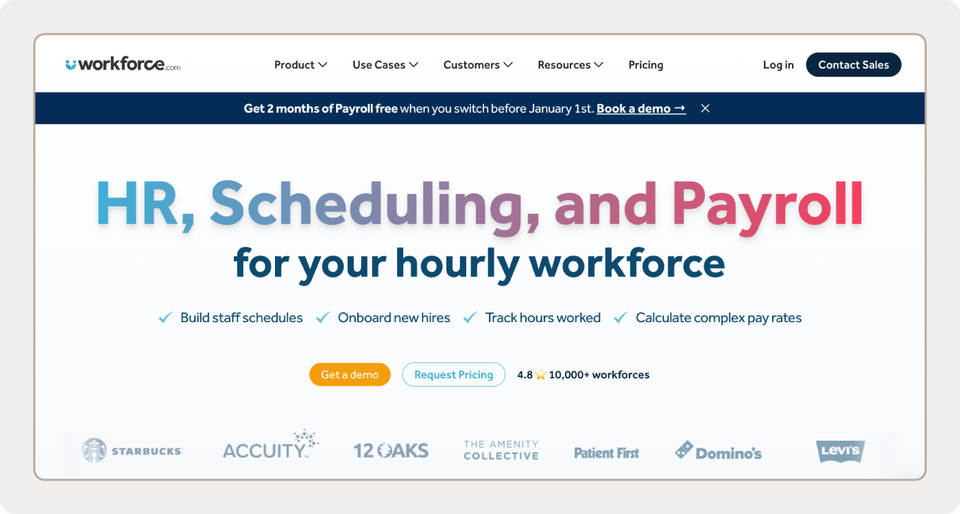
Best for: Hourly teams that want scheduling and payroll in one system
Workforce.com is a scheduling, HR, and payroll platform built for hourly teams. Its tools share one login, so you don’t enter the same data twice.
Managers build schedules and set staffing levels, and AI-guided labor forecasting uses sales and foot traffic to suggest how many people to schedule. Employees clock in from the mobile app, and timesheets capture hours worked, breaks, and time off. Once managers approve timesheets, the hours flow into payroll, so you skip the manual export.
As of October 2026, Workforce.com holds a 4.7/5 rating on Capterra based on 41 reviews. Reviewers like how easy it is to use for scheduling and timekeeping. A few say new users face a learning curve and that the mobile app can feel slow. One reviewer wanted more flexible break rules.
| Pros | Cons |
| Easy to use for scheduling and timekeeping | Learning curve and clunky navigation for some new users |
| Scheduling, timesheets, and payroll in one system | Mobile app can feel slow |
| Good value |
Pricing: Custom quote required
Key features
- Scheduling with labor forecasting: Build schedules and set staffing levels. AI-guided forecasting uses sales and foot traffic to suggest how many people you need.
- Timesheets: Employees clock in from the mobile app. Managers approve timesheets that show hours worked, breaks, and time off.
- Built-in payroll: Approved timesheets feed payroll with automated pay rate calculations, so there’s no re-entering hours.
3. ADP Workforce Now
Best for: Mid-size companies with in-house HR staff
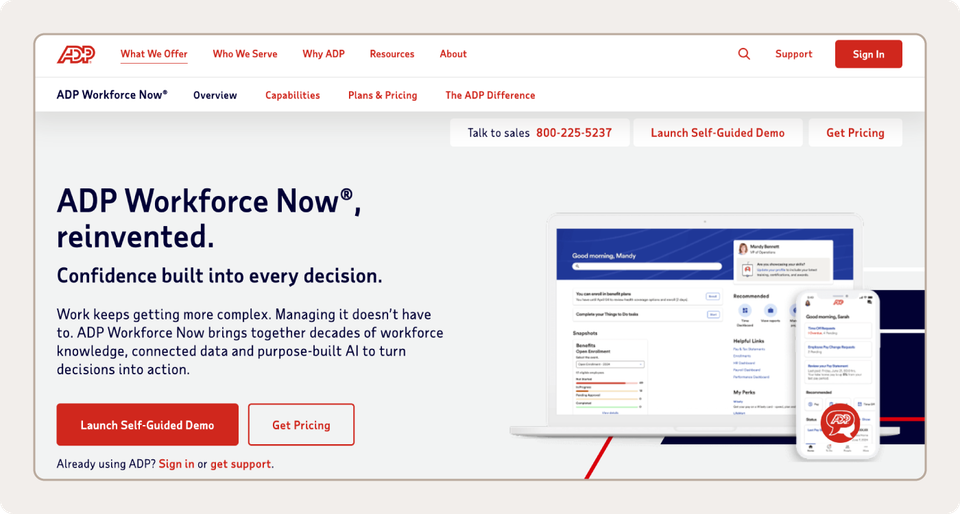
ADP Workforce Now is an all-in-one platform for payroll, HR, and benefits, with time and talent modules. ADP builds it for companies with 50 or more employees. It runs on a single database, so a change in one area syncs across the rest of the system.
For workforce management, ADP’s time and labor tools track hours and attendance. Scheduling is handled by the Essential Time add-on, which automates scheduling and manages rotating shifts. An optional Advanced Scheduling package adds scheduling by employee qualifications, scheduling rules, and rest periods.
As of October 2026, ADP Workforce Now holds a 4.4 out of 5 rating on Capterra from more than 7,000 reviews. Reviewers like having payroll, HR, benefits, and time in one system, and many cite payroll accuracy. A common complaint is a steep learning curve, and some find the interface dated or reports hard to customize.
| Pros | Cons |
| Payroll, HR, benefits, and time in one system | Steep learning curve, especially for new users |
| Strong payroll accuracy and tax compliance | Dated interface and reports that take work to customize |
| Works best with dedicated HR staff and time for training |
Pricing: Custom quote required
Key features
- Payroll with AI checks: Payroll calculates continuously, and AI-powered anomaly detection flags issues so you can fix them quickly.
- Time and attendance with scheduling: Time and labor tools track hours and attendance. The Essential Time add-on lets you automate schedules and manage rotating shifts.
- HR and benefits in one system: Employee records, benefits, and talent tools share a database with payroll, so updates in one place sync across the system.
4. Workday Workforce Management
Best for: Large companies that run HR and time data in one system
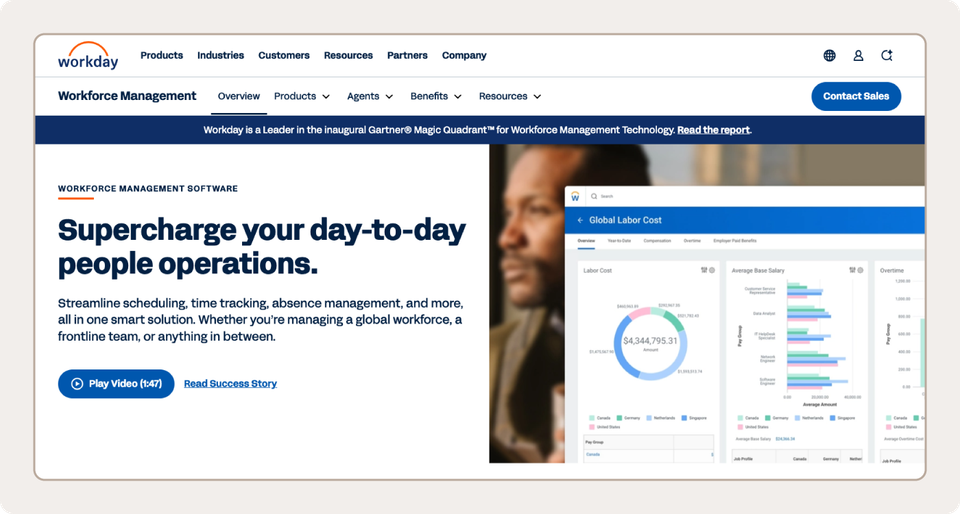
Workday Workforce Management is part of Workday’s cloud platform for HR and finance. Workday says it brings scheduling, time tracking, and absence management into one solution, for everything from a global workforce to frontline teams. Most of its G2 reviewers work at large enterprises.
Workday’s Time and Scheduling Hub gives managers time tracking, scheduling, and absence in one place. The platform also lists automated schedule creation, demand forecasting, and labor cost dashboards. Because it sits inside Workday’s HR system, time data can flow to HR records.
As of October 2026, Workday Workforce Management scores 4.5 out of 5 on GetApp from 43 reviews and 4.2 out of 5 on G2 from 13 reviews. Reviewers like how it connects to other Workday modules. Common complaints include the time and training it takes to learn and a price that smaller companies may struggle to justify.
| Pros | Cons |
| Connects to other Workday modules for HR and payroll | Takes time and training to learn |
| Reviewers rate scheduling and time-off tools highly | Cost can be hard to justify for smaller teams |
| Works with tools like Microsoft Teams and Microsoft 365 |
Pricing: Custom quote required
Key features
- Time and scheduling hub: Managers get time tracking, scheduling, and absence in one place, so they don’t switch between tools.
- Automated scheduling and demand forecasting: Workday lists automated schedule creation and demand forecasting to help you plan staffing around expected need.
- Labor cost insights: Dashboards show labor cost trends, including overtime, so you can see where costs climb.
5. Kintone
Best for: Teams that want to build custom workflow apps
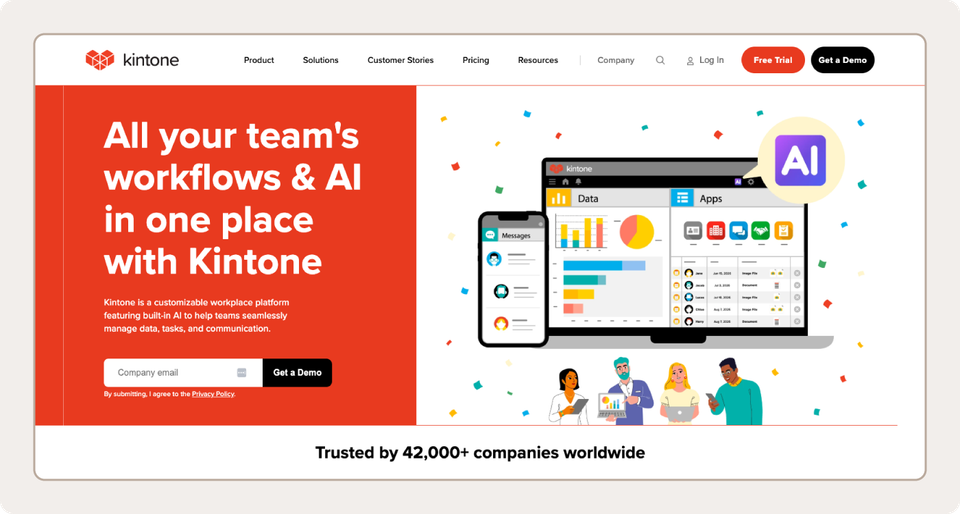
Kintone is a no-code platform with ready-made apps that you can customize to fit your business. It combines HR and employee management in one place. Because it’s cloud-based, you can reach it wherever you are.
Instead of a fixed feature set, you build what your team needs, such as scheduling or timesheet apps. Customization is what makes Kintone stand out. If you’ve been using spreadsheets to manage workforce data, you can import them into Kintone and create custom apps from the data.
As of October 2026, Kintone holds a 4.7 out of 5 rating on Capterra from 153 reviews. Reviewers like how fast they can build apps without code, and many praise customer support. Common complaints include a dated interface and limited design customization. A few say advanced workflows take time to learn.
| Pros | Cons |
| Builds custom apps without code | Interface looks dated to some reviewers |
| Flexible enough to fit many workflows | Design options and some features are limited |
| Responsive customer support | Advanced workflows and reminders take time to learn |
| Replaces paper and email processes |
Pricing: Starts at $24/user/month
Key features
- No-code app builder: Build apps with drag and drop, from a template or from scratch. You can also upload a spreadsheet and choose how the data displays.
- Workflows and notifications: Set up approval steps, task assignments, and automatic alerts for each app. Reviewers say these replaced paper and email processes.
- Permissions and linked apps: Permission settings control who can create apps and who can view or edit data. Linked apps pull in matching details, so you avoid double entry.
6. Float
Best for: Project-based teams that plan work by person
Float is a resource-planning tool that combines team scheduling and project planning. It’s built for agencies and professional services firms that schedule people across several projects at once.
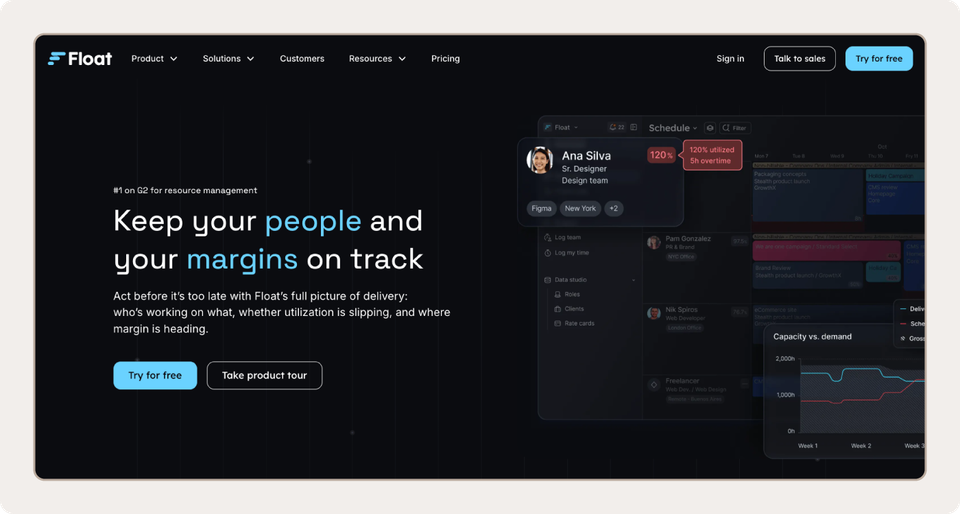
Float puts who’s working on what and when on a single visual schedule. You can switch between a People view and a Projects view, drag work to a new day, and see over-capacity warnings before anyone is double-booked. Time off and holidays follow the same schedule. Utilization reports show who has room for more work.
As of October 2026, Float holds a 4.3 out of 5 rating on G2, based on about 2,000 reviews. Reviewers praise how easy and intuitive the scheduling is. Common complaints include a lack of project management features and limited customization.
| Pros | Cons |
| Easy, visual scheduling | Missing project management features |
| Clear view of capacity, time off, and workload | Limited customization |
| Costs rise with each scheduled person |
Pricing: Starts at $8.50/user/month
Key features
- Visual resource schedule: Plan work on a drag-and-drop schedule. Switch between a People view and a Projects view to see each person’s workload or each project’s staffing.
- Capacity planning: Float shows real-time availability and alerts you when someone is overbooked, so you can prevent double-booking before work starts.
- Time off and holidays: Request and approve time off, track leave balances, and add holidays right on the schedule.
7. Namely
Best for: Mid-size companies that want HR with payroll built in
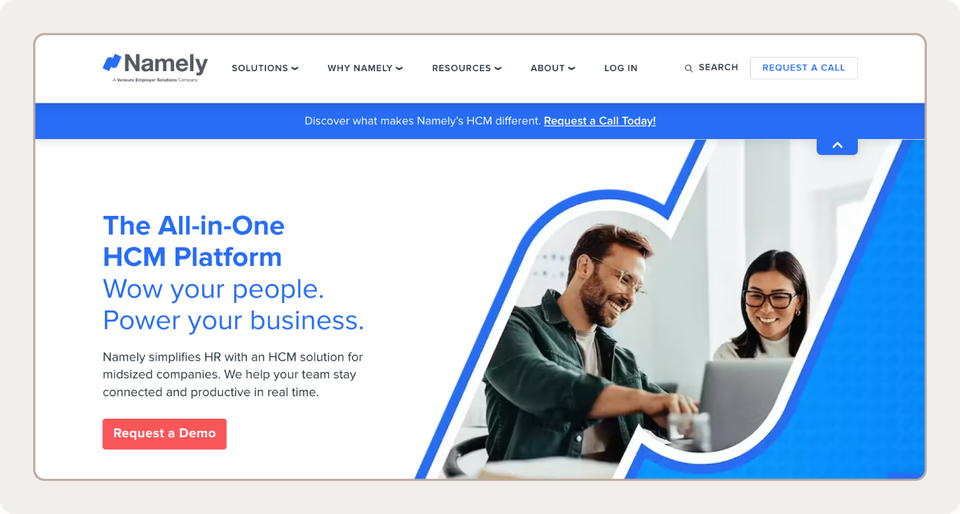
Namely is an HR platform for small and mid-sized businesses. It bills itself as HR software first, with payroll and benefits management built in. Time management is also included, as is the onboarding of new employees.
The Namely platform stores employee data in a single system of record, so you can view each person’s performance reviews, time off, and pay information in a single profile. If you’d rather hand off the work, Namely’s experts can take on day-to-day payroll administration and benefits strategy. Time and attendance tools let you approve hours and send them straight to payroll.
As of October 2026, Namely holds a 4.2 out of 5 rating on Capterra from about 440 reviews. Reviewers like having payroll and employee data in one place. Common complaints include clunky time tracking, technical or support issues, and limited integrations.
| Pros | Cons |
| Payroll, benefits, and employee data in one system | Time and task tracking feels clunky |
| Managed payroll and benefits services available | Technical and support problems |
| Simple employee records and HR reporting | Limited integrations |
| Some services cost extra |
Pricing: Custom quote required
Key features
- Core HR and onboarding: Keep employee records in a single system, then use onboarding workflows to set new hires up.
- Payroll and benefits: Run payroll with tax services and manage benefit plans in the same platform. Namely’s experts can also handle day-to-day administration.
- Time and attendance: Track and approve hours, then send them straight to payroll. You can also manage time-off requests.
What is workforce management software?
Workforce management software, or WFM software, helps you schedule employees, track their time, and control labor costs. It also helps you follow labor laws.
It’s built for hourly, shift-based teams, where coverage and costs change daily. Unlike HR software, which manages employee records and benefits, a workforce management system helps managers decide who works when and whether every shift is covered.
A basic time clock or standalone scheduling app does one job. A full WFM platform connects scheduling, time and attendance, payroll, and team communication, so data moves between them without re-entry.
What are the benefits of workforce management tools?
Shift-based teams face scheduling problems that salaried offices rarely do. Hours change every week, and split shifts make schedules harder to build. Add last-minute call-outs, high turnover, and shifting demand, and the schedule rarely stays put. Workforce management tools take much of that work off your plate.
- Fewer scheduling headaches: Build the schedule using templates and employee availability rather than a spreadsheet. When plans change, update them once, and everyone sees the new version.
- Better shift coverage: When someone calls out, post the open shift, and employees pick it up in the app. When I Work reports that 61% of shifts are covered or confirmed within 24 hours.
- Lower labor costs: See overtime before it happens, so a covered shift doesn’t turn into an unplanned pay bump. Forecasting demand helps you plan staffing around busy and slow periods. When I Work customers have reported labor cost savings of up to 20%.
- Happier, more engaged employees: Employees can view their schedules, swap shifts, and request time off on their phones. Having a say in when they work makes scheduling feel fairer.
- Greater payroll accuracy: Approved timesheets feed payroll, so you skip re-entering hours and can catch errors before pay day.
What are the essential features your workforce management software should have?
The best workforce management software fits how shift teams actually work. Start with the problems that cost you the most time each week, then check whether a tool solves them.
Use this list to compare platforms. Each feature is explained by the problem it fixes.
- Mobile-first access: Shift workers are rarely at a desk. The software should work well on a phone, so employees can clock in, check the schedule, swap shifts, and message teammates.
- Drag-and-drop scheduling with templates: Building a schedule from scratch can eat hours. With drag-and-drop tools and saved templates, you can build a week’s schedule in minutes. Role filters make sure the right people land on the right shifts.
- Real-time availability and time-off management: Scheduling someone who can’t work is a fast way to get a call-out. When the software pulls in availability and approved time off, it prevents those conflicts before you publish. You also stop tracking requests in a spreadsheet.
- Open shift and shift swap tools: When someone calls out, you shouldn’t have to text the whole team. Employees can pick up open shifts or trade shifts in the app, reducing back-and-forth for managers. Look for approval settings so you still control who works what.
- Automated overtime and break alerts: Overtime surprises show up on payroll after it’s too late to fix them. Real-time alerts flag employees who are close to overtime or due for a required break. You can adjust the schedule before it becomes a cost or compliance issue.
- Payroll-ready time data: Re-entering hours into payroll takes time and invites mistakes. Look for clean exports or direct payroll integrations, so approved hours flow through without reformatting.
- Multi-location support: Each site has its own team and labor budget. Software built for multiple locations lets you manage schedules and track labor costs by site. It should also handle the compliance rules that differ from one location to the next.
- Reporting and labor analytics: You can’t fix costs you can’t see. Good reports show who worked, when, and at what cost. You can then compare actual labor against your budget and spot where it runs over.
- Integrations with existing tools: A scheduling tool shouldn’t stand alone. Native connections to your HR, payroll, and point-of-sale systems keep data in sync, so you don’t enter the same information twice.
Intuitive, mobile-first workforce management
Ultimately, the best workforce management software is the one you’ll actually use. Take time to think about what you actually need for your business, from the headaches that cost you the most time to whether you want a simple or complex tool. Every platform above fits someone, and these workforce management best practices can help you get started.
Ready to see it in action? Start my free trial and build your first schedule with When I Work employee scheduling software. You get 14 days free, and no credit card is required.
FAQ
What is the best workforce management software for small businesses?
For small hourly teams, When I Work is a strong fit. It starts at $2.50 per user per month and brings scheduling, time tracking, and team messaging together. If you want payroll in the same system, Workforce.com is another option.
What are the top 5 workforce management software options?
Five top options in this guide are When I Work, Workforce.com, ADP Workforce Now, Workday Workforce Management, and kintone. They cover everything from shift scheduling to enterprise HR to custom workflow apps.
What are some popular WFM software companies?
Popular WFM software companies include ADP, Workday, Workforce.com, and When I Work. Each fits a different team size and need, from hourly shift teams to large enterprises.
What is the most popular HR software?
No single HR platform is the best fit for every company, since the best fit depends on your size and needs. ADP Workforce Now has more than 7,000 reviews on Capterra, which makes it a widely reviewed choice.
For hourly teams, a workforce management tool like When I Work covers scheduling and time, which HR software often doesn’t.
What is WFM software used for?
Managers use WFM software to build schedules and track employee hours. It also helps them manage overtime and comply with labor laws. Many platforms add team messaging and payroll-ready time data.
What are examples of WFM?
Examples of WFM include employee scheduling, time and attendance tracking, shift swapping, and labor forecasting. In practice, that’s a restaurant manager posting an open shift in an app and a team member picking it up.